
Viewing Solution
The guided tour will start automatically but you can choose to skip the steps. To access them in the future you can press the help button.
On the Solutions page, you will find your solution, the author's solution, and all solutions from the other users that solved this challenge. You can compare your solution with other solutions, or help less experienced users. You can sort the solutions by the newest, oldest, or most liked and least liked. (Fig. 1)
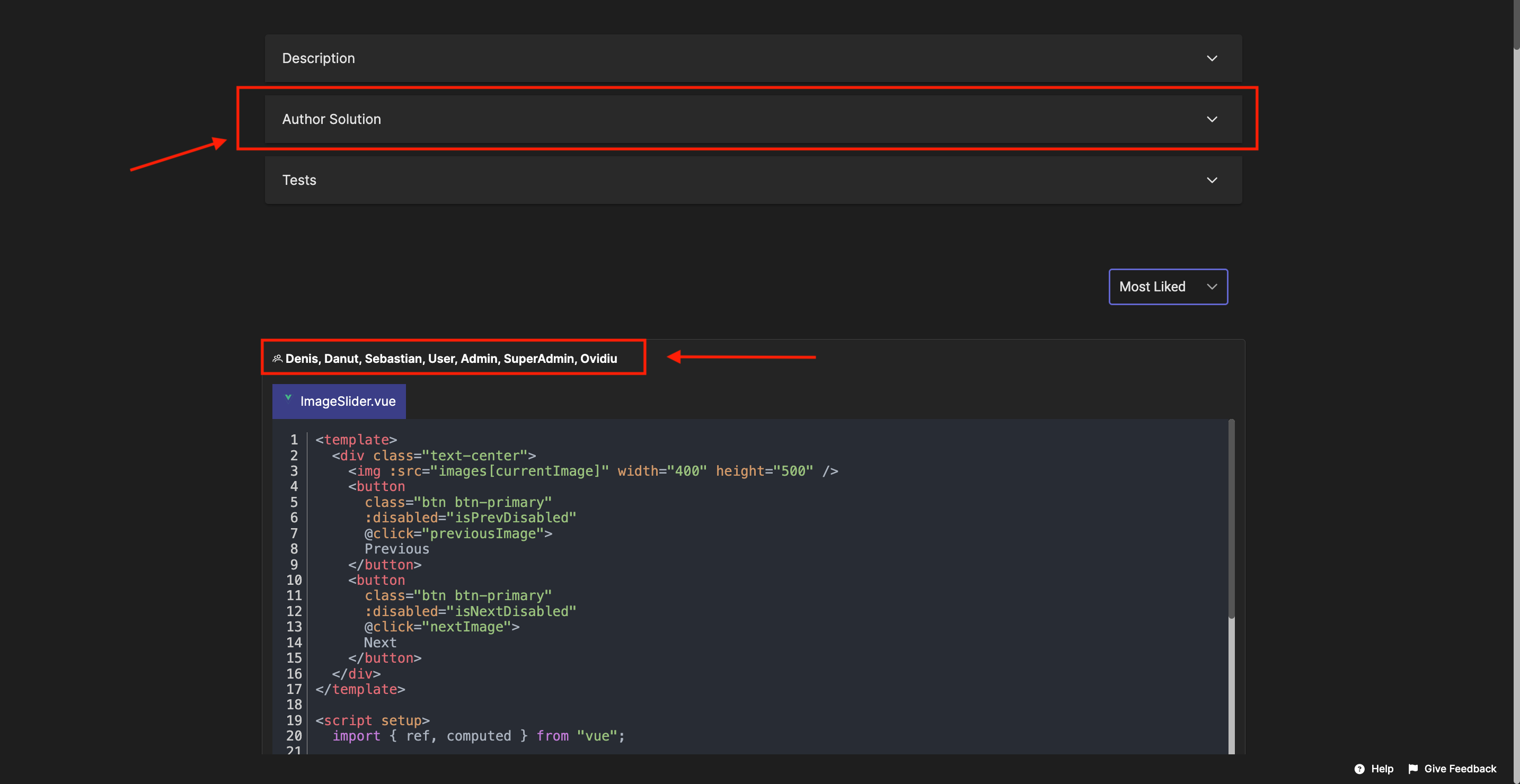
Fig. 1
To make browsing easier, there is also a dropdown menu that lets you filter solutions by template. (Fig. 2)
With this option, you can focus only on the submissions written in the template you prefer using your preferred programming language, or explore how other users approached the same challenge in different templates.
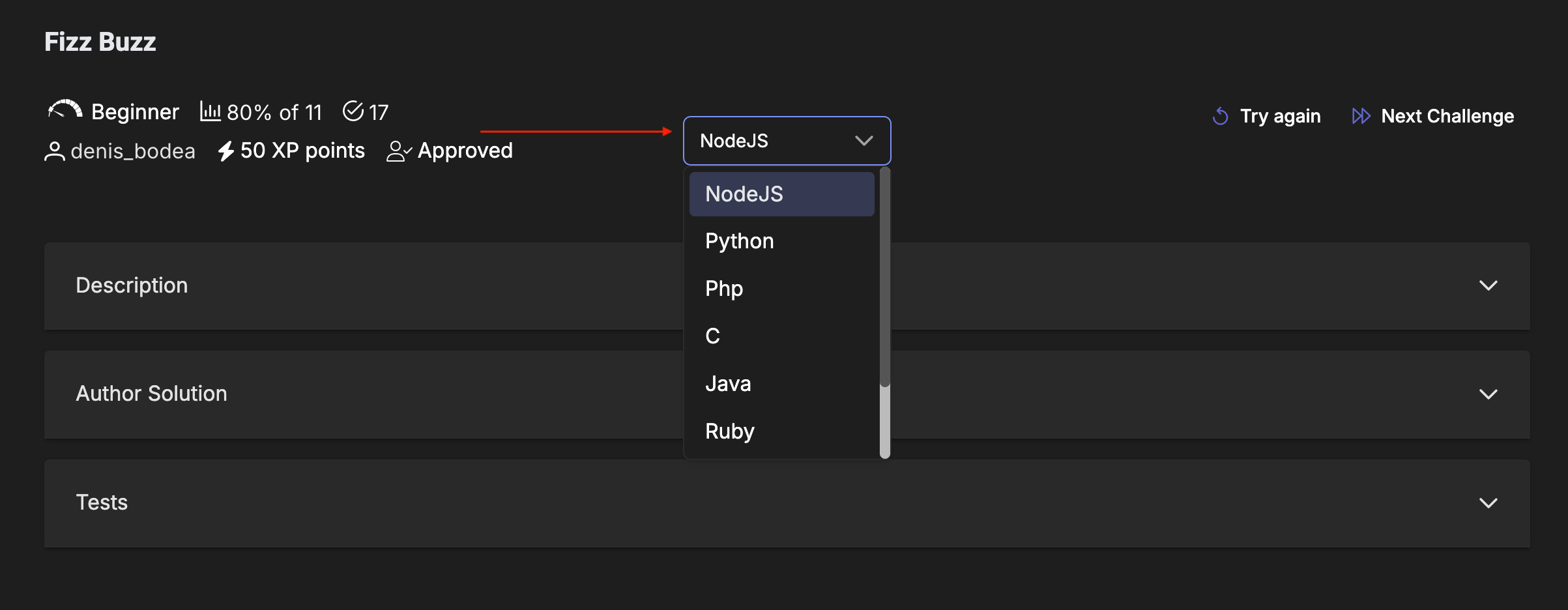
Fig. 2
All the correct submissions to the challenge are visible on the platform, so you can explore others' work. The algorithm automatically groups similar solutions and displays them as one on the platform.

Fig. 3
You can leave feedback such as likes or comments on other solutions, and you will receive notifications when other users comment on your solution. You can share the solution with others, and if you access "View Group" you will see all the individual solutions from a group of solutions. (Fig. 3)
Note:
- After each submission, on the solutions page, you can share your feedback, the scale is on 5 levels, in this way you can share your satisfaction rate. (Fig. 4)
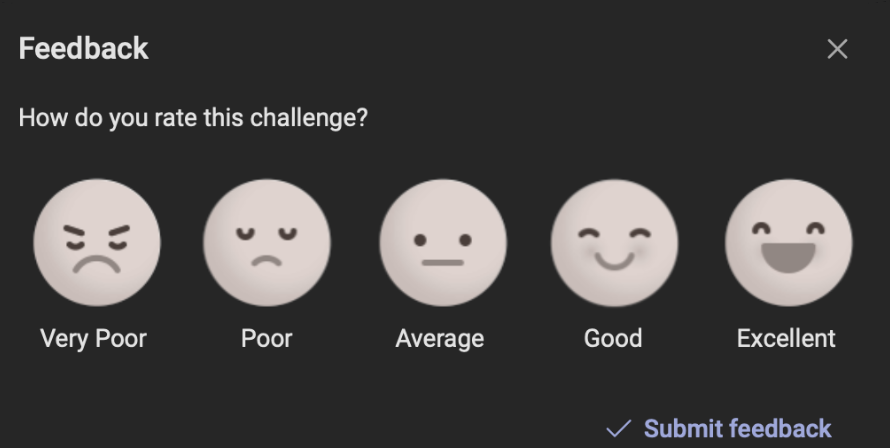
Fig. 4